Personal · A photography essay
iPhone, the ultimate camera?
I’ve been taking pictures for most of my life. Film SLRs, a string of digital cameras, some good lenses along the way. These days almost everything I shoot is on an iPhone. Here’s how that happened, what I’ve learned, and my honest answer to the question in the title.
Shot on my iPhone
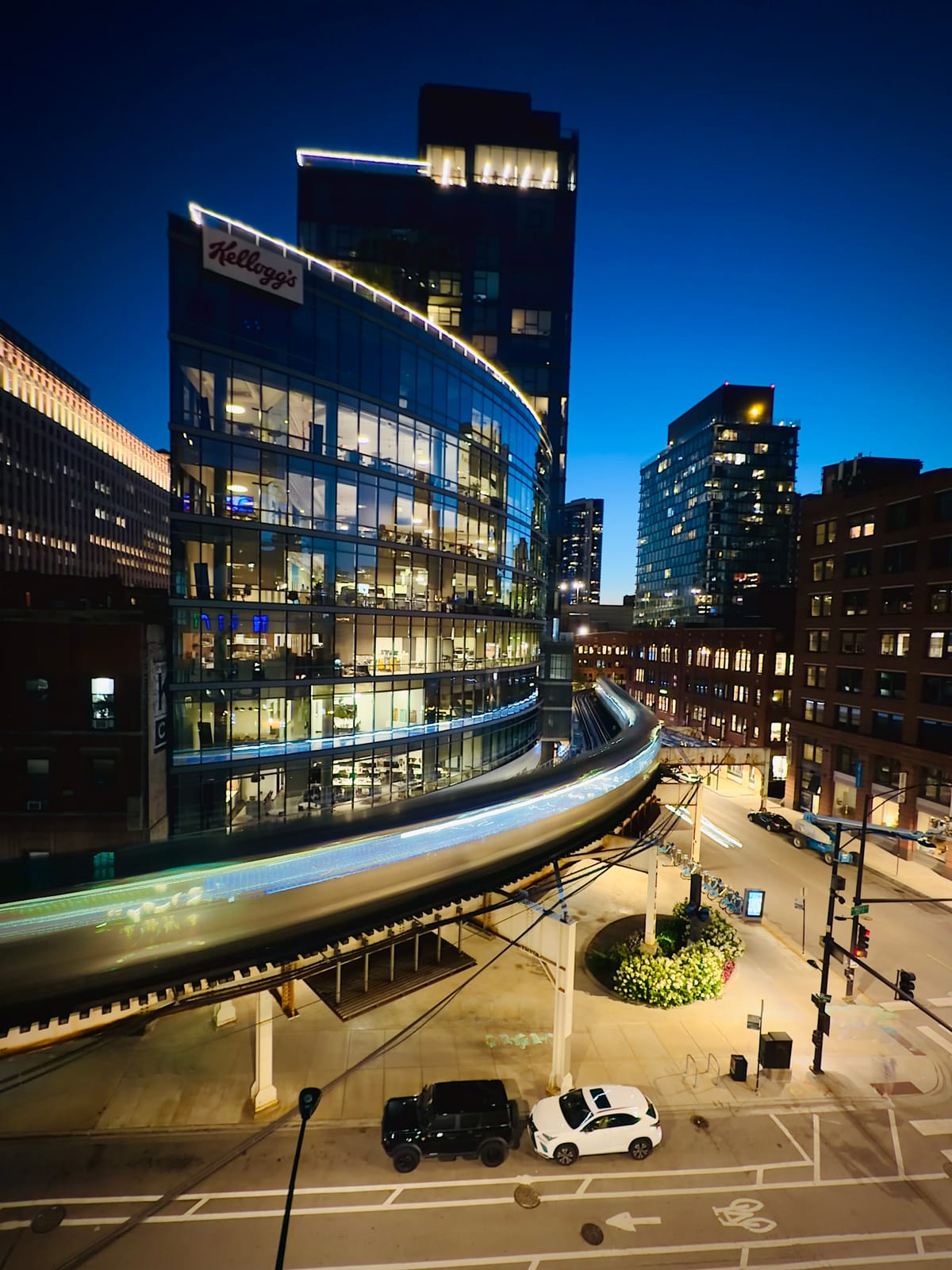
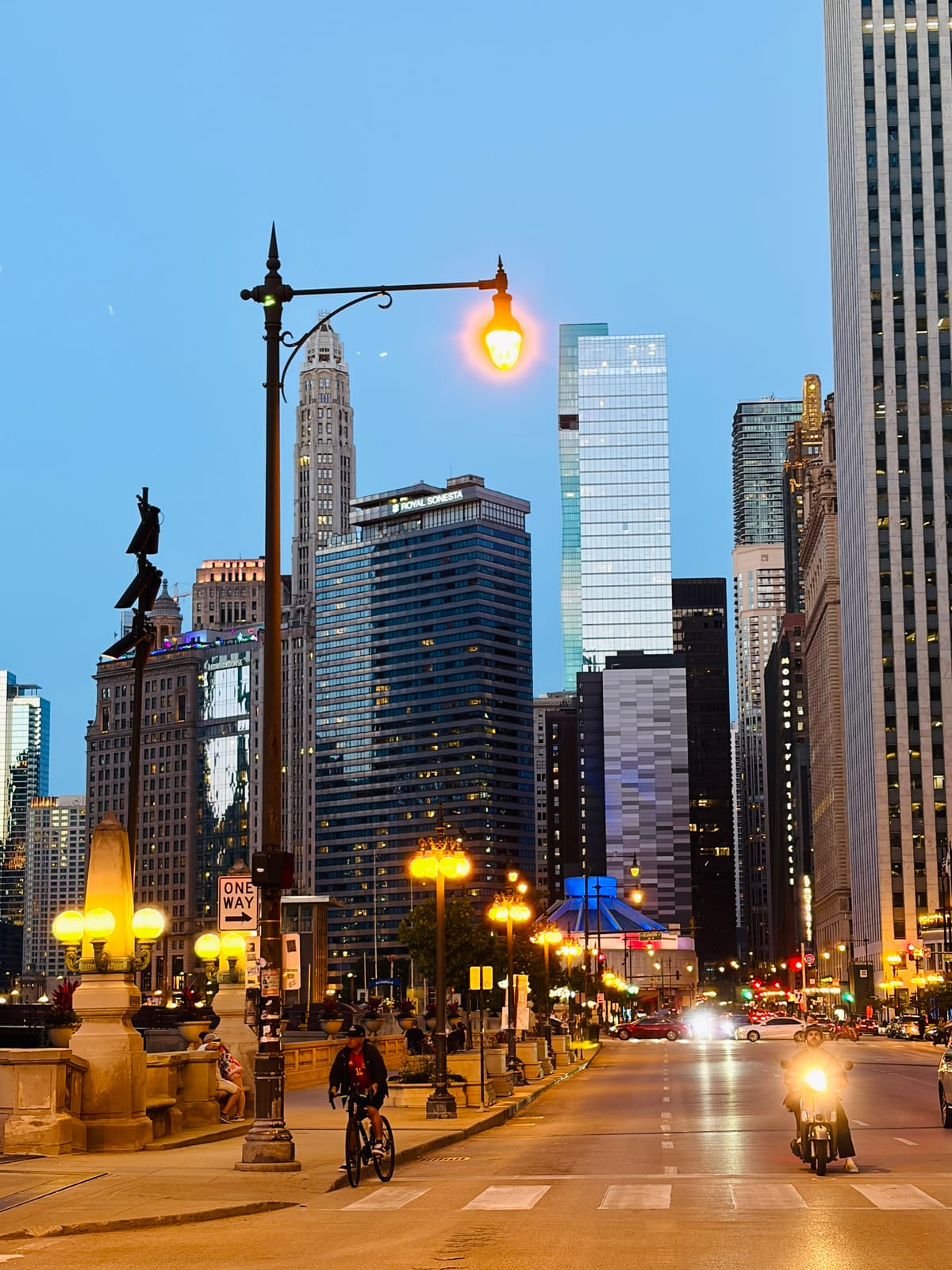
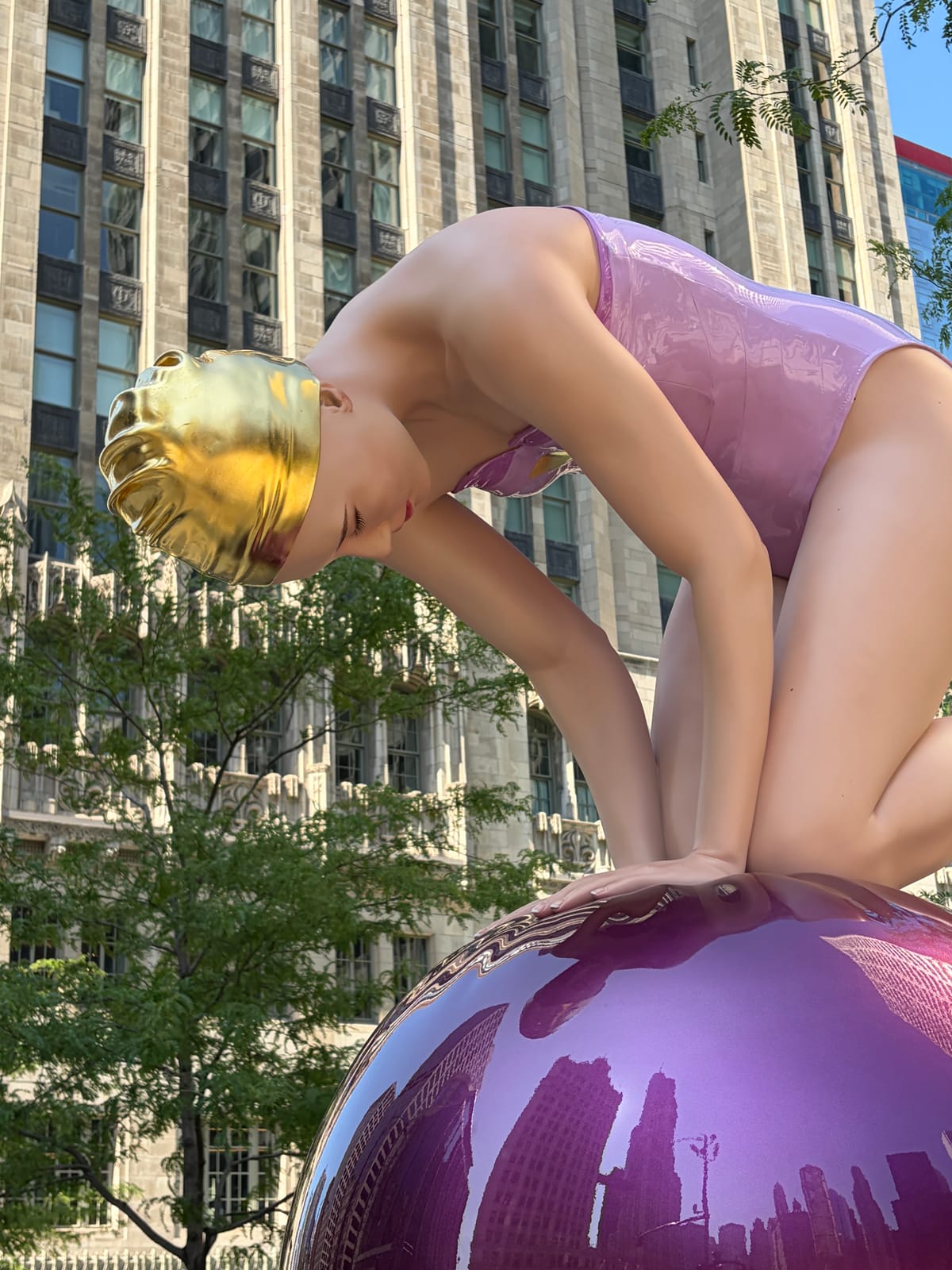
These are from a recent trip to Chicago, all shot on my iPhone 17. No tripod, no extra kit, just the phone in my pocket as I walked around.

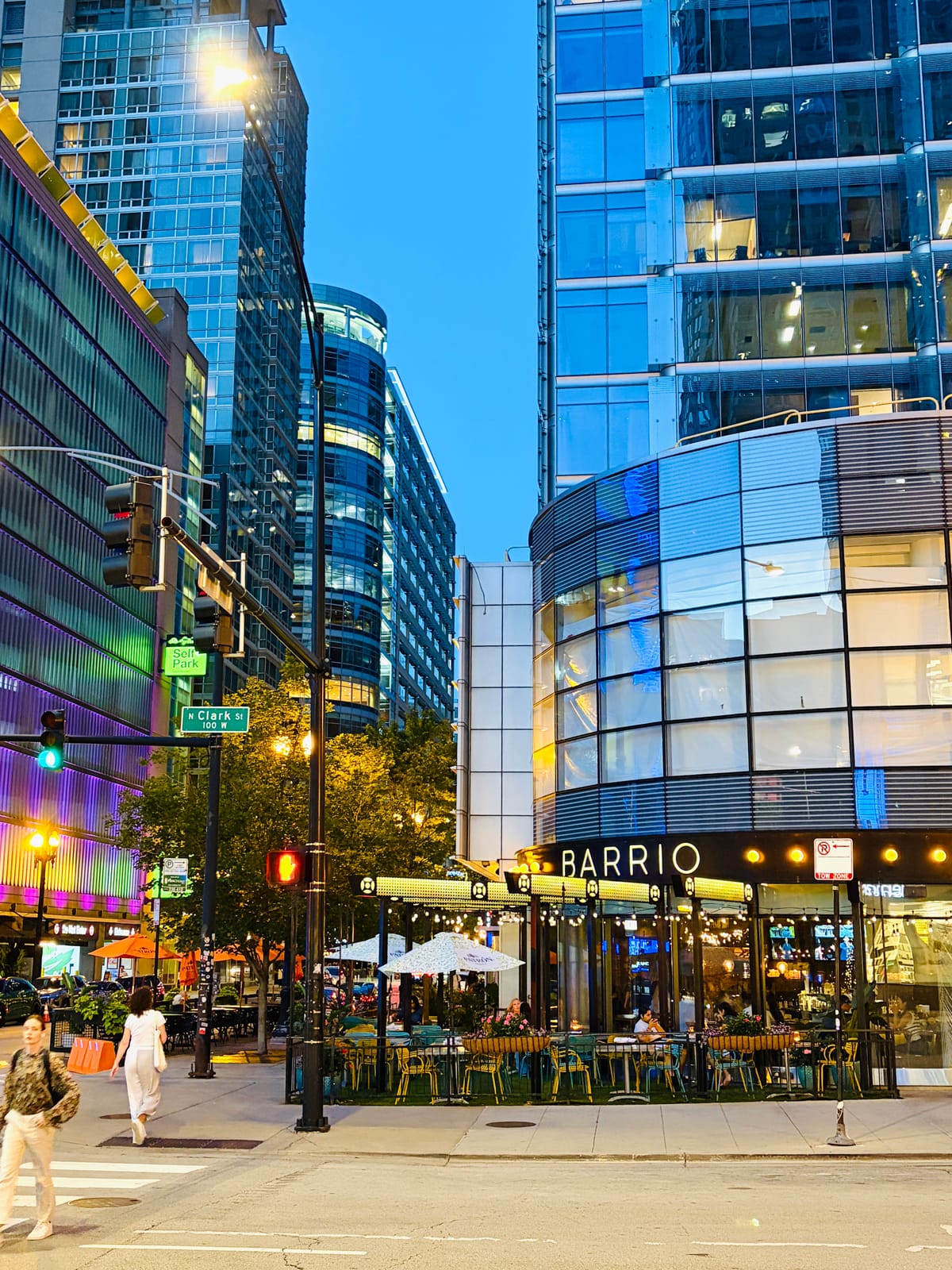
Tap any photo to view it full size.
The road here: everything before the iPhone
Two decades of cameras, quickly. This is what came before the iPhone.
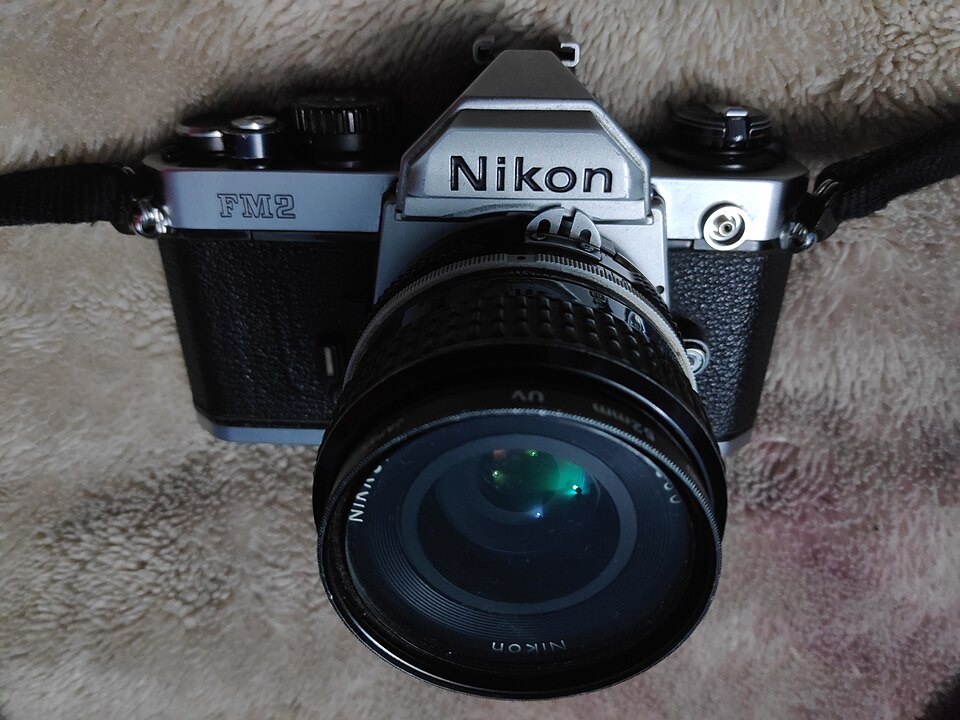
The film years
Nikon film SLRs
I learned on Nikon film SLRs. Every frame cost money, and you didn't see your pictures until the roll came back from the lab. It taught me to think before pressing the shutter.
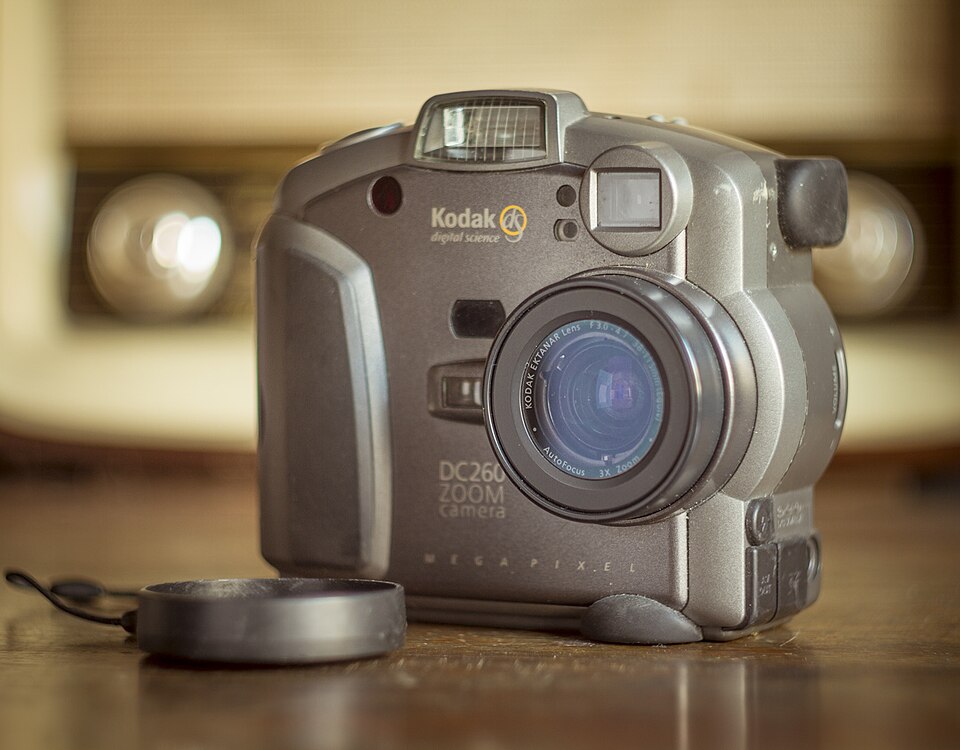
1998 · First digital
Kodak DC260
My first digital camera. The pictures were small, but you could see them right away, and after years of waiting on the lab that felt like a different hobby.
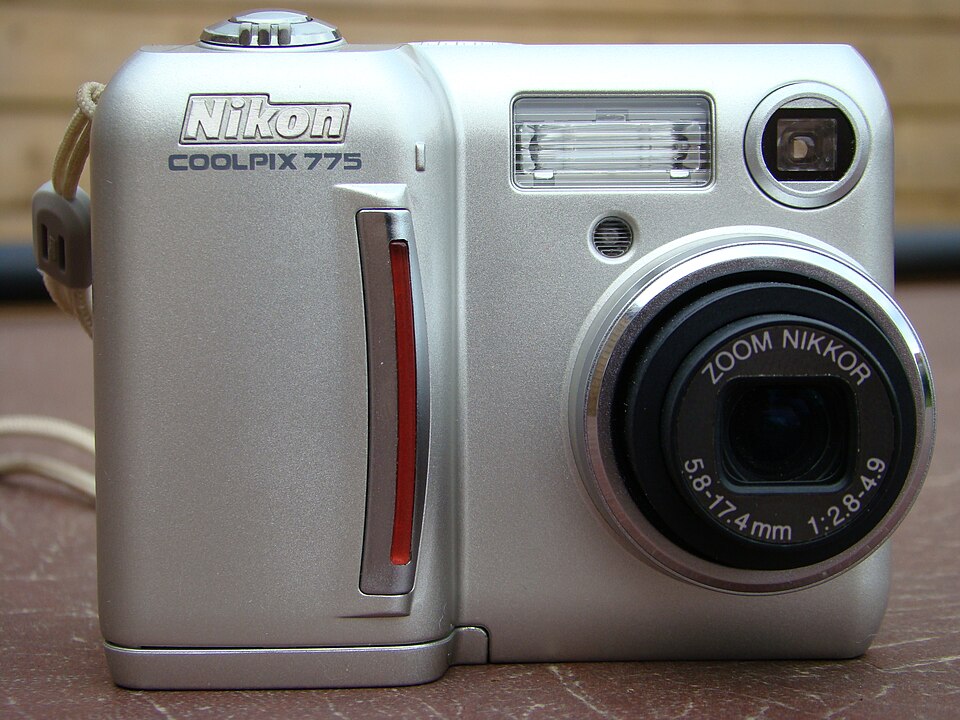
2001 · The pocket camera
Nikon Coolpix 775
A little Nikon I carried everywhere. This is where the habit of always having a camera on me started.
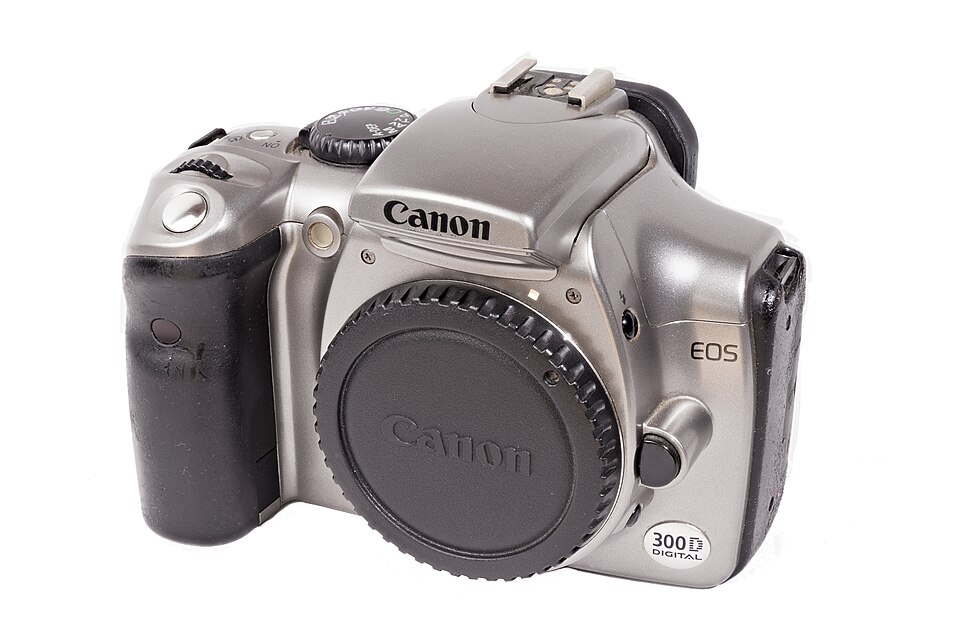
2003 · First DSLR
Canon Digital Rebel
The first DSLR under a thousand dollars. Real lenses, a real sensor, and my pictures finally started to look the way I wanted.
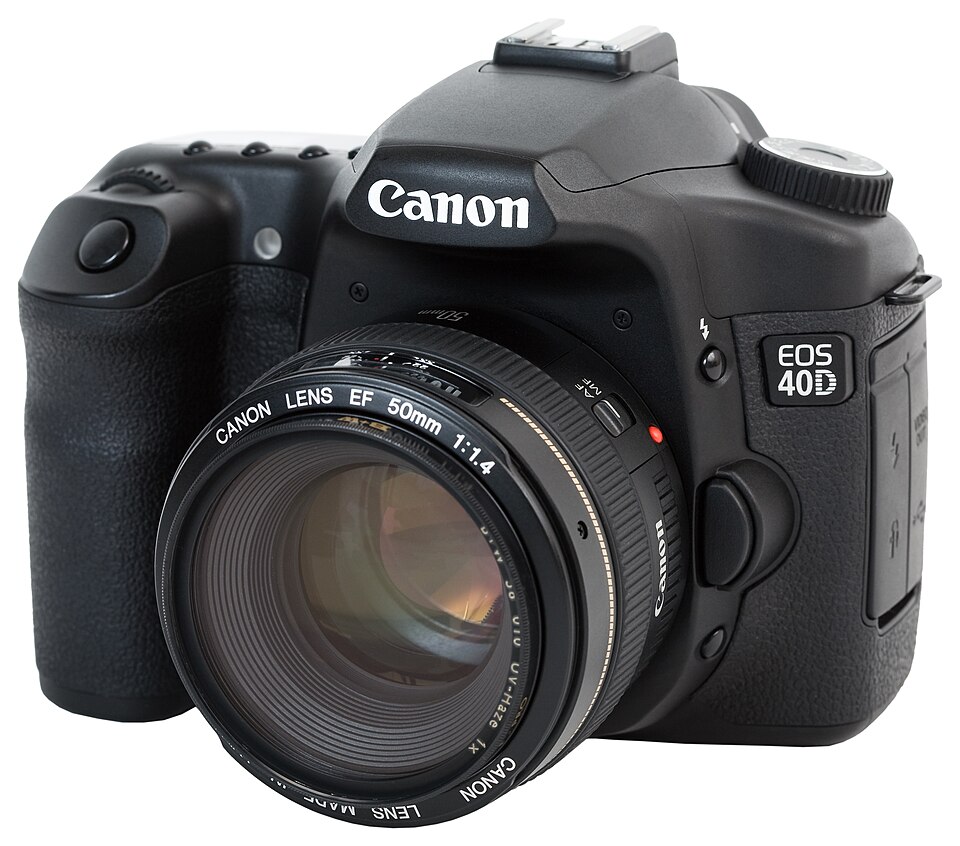
2007 · The workhorse
Canon 40D
My workhorse for years. It came out the same year as the original iPhone. Back then it never crossed my mind that the phone would catch up.
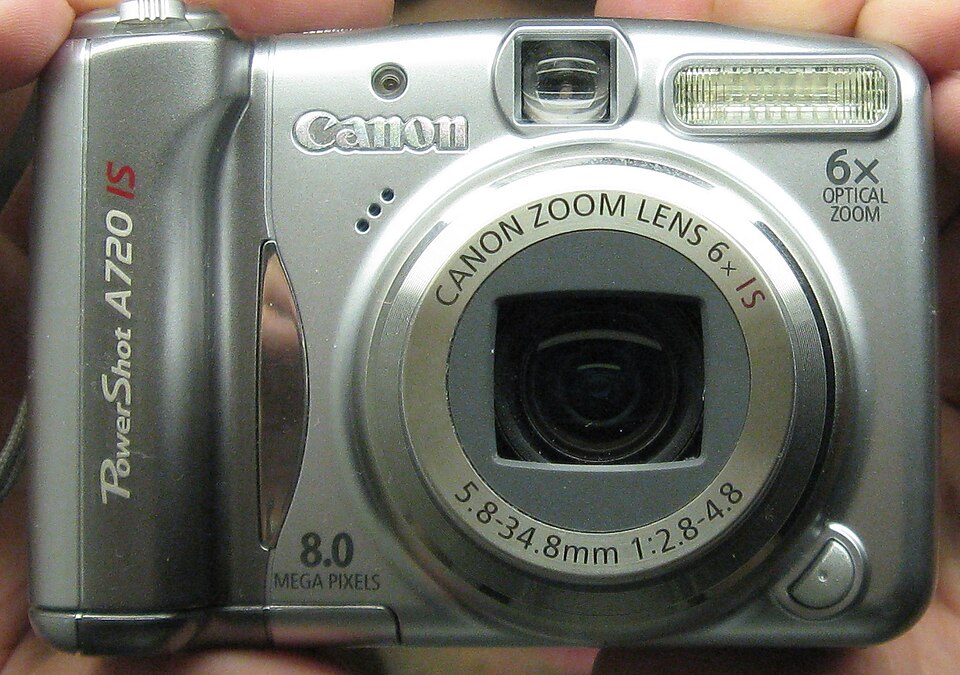
2007 · The carry-along
Canon PowerShot A720 IS
A small camera I kept in the bag and took on trips. When the SLR stayed home, this one came along.
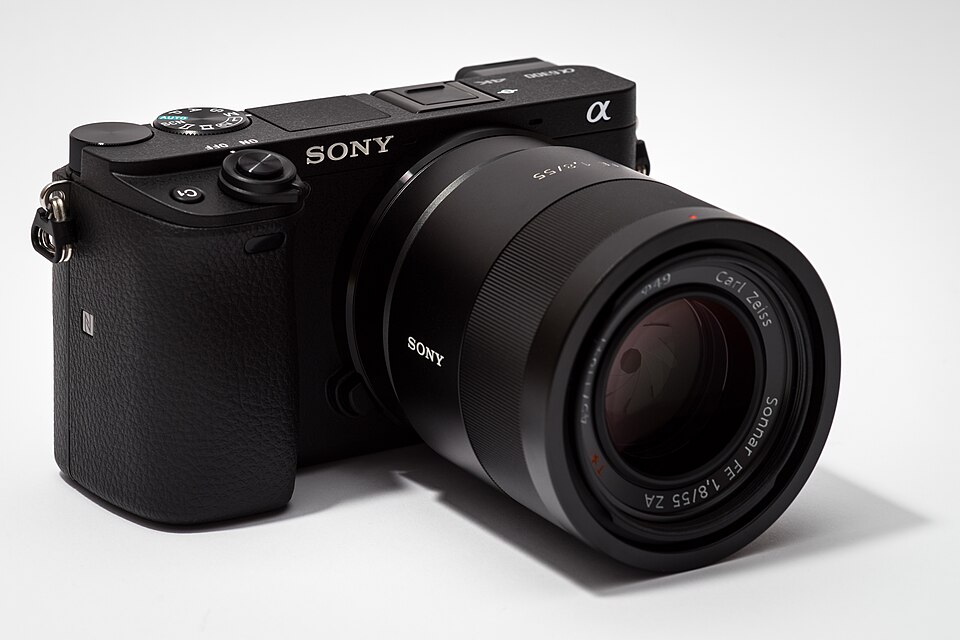
2016 · Going mirrorless
Sony α6300
My move to mirrorless. Close to DSLR quality in something I could fit in a jacket pocket. At the time I thought carrying a camera would never get better than this.
The turning point
For fifteen years the iPhone was my backup camera. It came along on every trip and took thousands of pictures, but when a photo really mattered I reached for a real camera. That was just how things were.
The iPhone 14 Pro Max changed that. The 48 megapixel sensor and the new processing produced photos that honestly surprised me: detail that held up when I zoomed in, low light shots I used to need a tripod for, portraits with believable depth. At some point I noticed the Sony was staying home, and I hadn't decided that on purpose. It just happened.
So I leaned in. I started treating the iPhone as a real camera instead of a convenience. I learned portrait mode properly, dug into the harder techniques, and paid attention to what the camera system could actually do. The more I put in, the better the results got, which is what you want out of any camera you take seriously.
Now I'm on the iPhone 17, and the improvement over the 14 is easy to see. Every camera on it captures 48 megapixels, the 2x telephoto is optical quality, and even the front camera got a real upgrade. My mirrorless kit is still on the shelf. I keep meaning to take it out, and I keep not needing to.
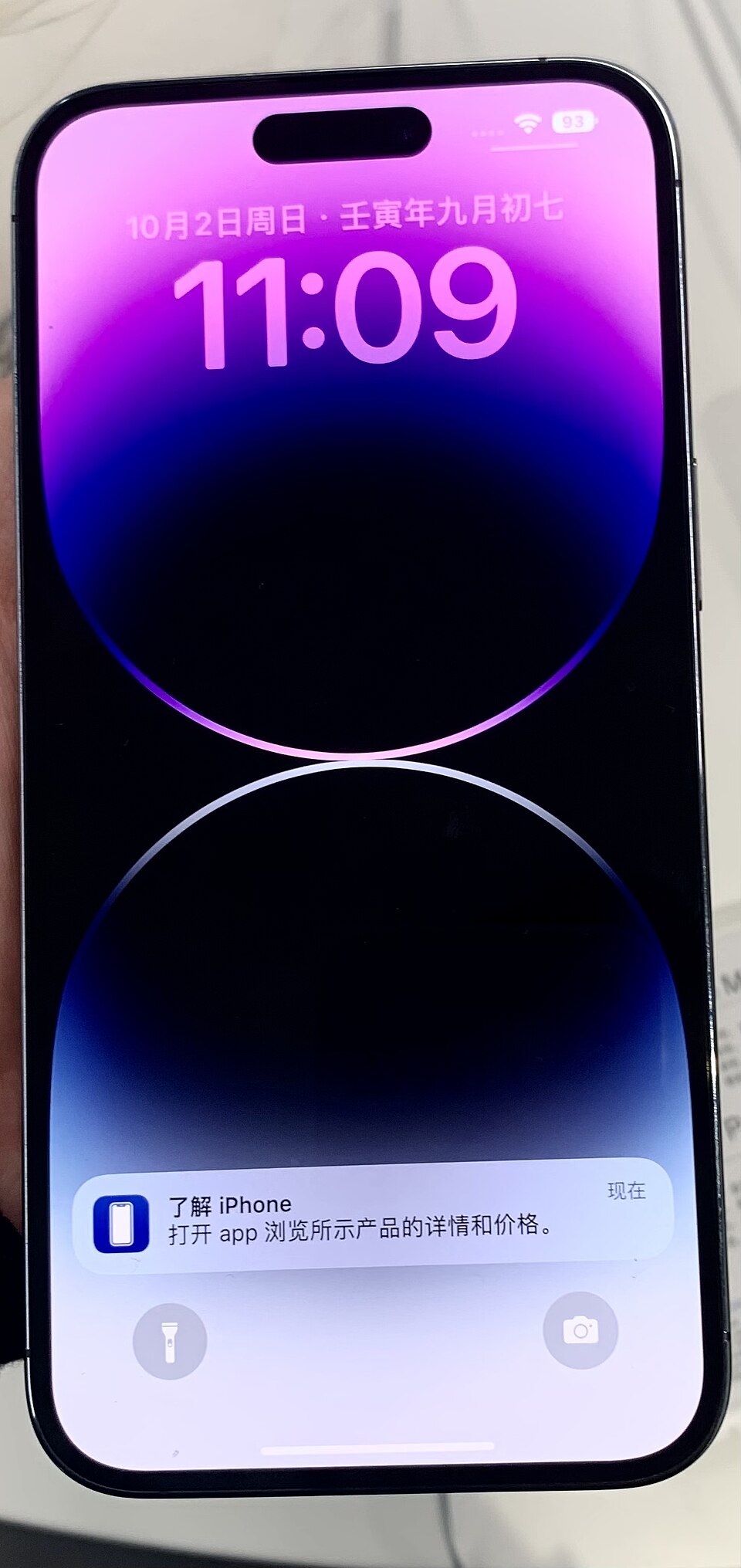
2022 · The turning point
iPhone 14 Pro Max
The first phone that made me stop and look twice at its photos. Without really deciding to, I started leaving my other cameras at home.
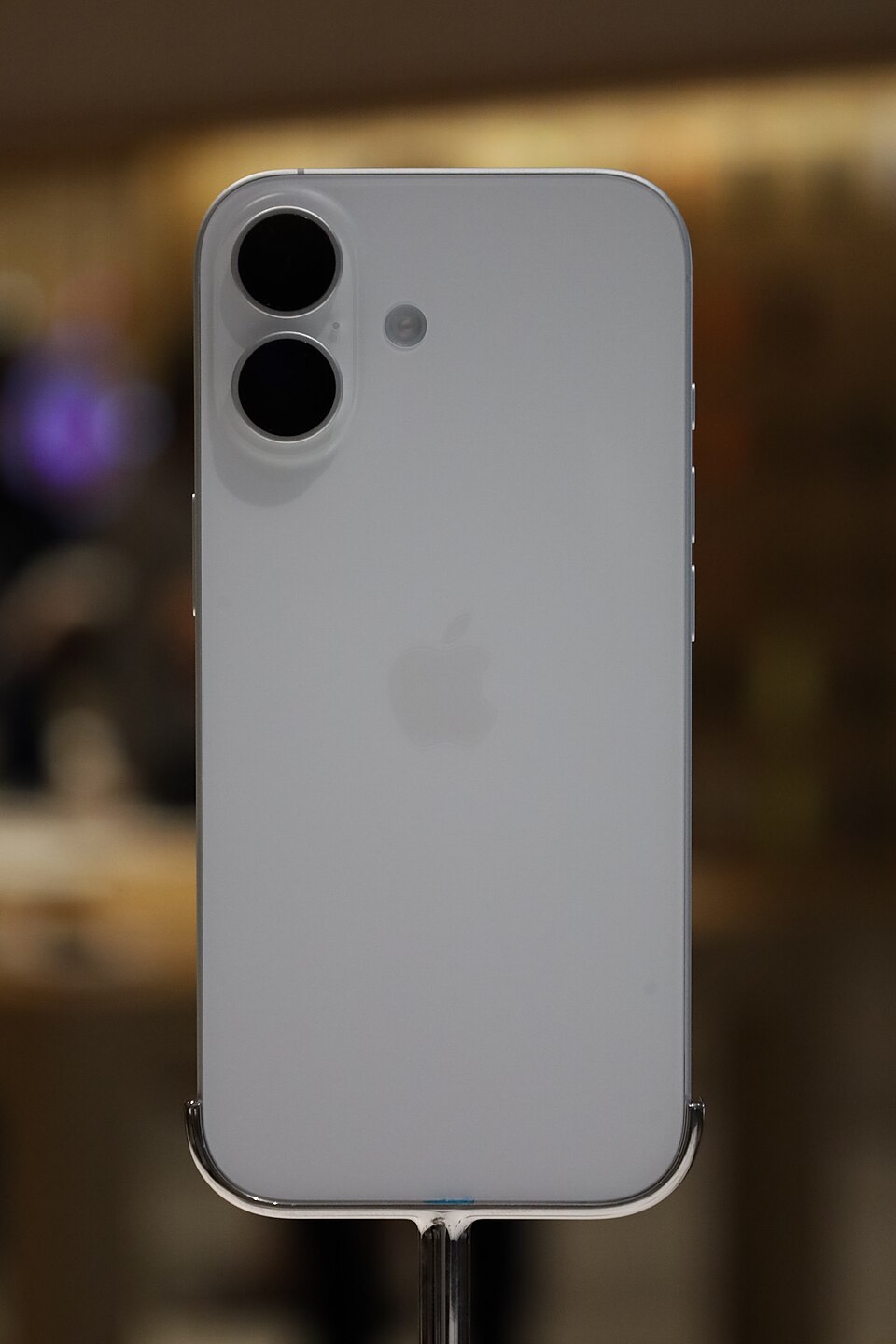
2025 · Today
iPhone 17
My current camera. A clear step up from the 14, and the 14 was the phone that won me over in the first place.
Three techniques I actually use
I could list a dozen tips, but these three changed my results the most. Two of them need nothing but the phone, and the third needs one free app.
Portrait mode
Portrait mode is the single most useful mode on the iPhone, and I use it almost exclusively for photos of people. It gives you genuinely high quality, pleasing portraits, with the kind of soft background that used to mean carrying a fast lens. Here is the exact setup I use to get the best out of it.
- Start in Portrait mode before you frame the shot.
- Set the depth to f/10 or f/11. That is the sweet spot for me. Anything lower blurs the background too much, and on a phone that can look unnatural, though it has improved. f/10 or f/11 keeps the blur believable.
- Switch the lighting from Natural to Studio Light. It is excellent for faces, and you can dial its intensity up or down to taste.
- Shoot at 2x. The tighter framing is the classic portrait look and flatters most faces.
That combination, Portrait mode at f/10 to f/11, Studio Light, and 2x, is what really takes advantage of the iPhone camera for people. It has become my default whenever I photograph someone.
Edit in the Photos app, and copy your edits
The second technique is learning to edit properly in the Photos app. It does far more than people expect, but the feature that saves me the most time is copying and pasting edits.
Edit one photo in a set the way you want it, then copy those edits and paste them onto the rest of the batch in one go. Every shot from the same scene gets the same look in seconds instead of one at a time. If you shoot a series in similar light, this alone will save you loads of time, and it is the habit I would learn first.
Night mode, and night photography without a tripod
The third is getting comfortable with night mode. iPhones, and the 17 especially, take excellent night shots, and you do not need a tripod to get them.
You can handhold night mode, but the trick is to give the phone something to rest on. Prop it against a wall, a railing, or a ledge, anything steady, and let it take the few seconds it asks for. On a recent trip to Chicago I got some of my favorite night shots just by setting the phone down on whatever was around, with no tripod at all. Honestly, some of them rival or beat what I have taken with my Sony Alpha.
When I want to go further, I use an app called Spectre. It makes multi second exposures easy, which is how you get motion blur and light trails: smooth water, streaking traffic, that sort of thing, all handheld.
How the iPhone camera grew up
Eighteen years from an afterthought to my only camera. Every model here links to its page in the archive, and the current generation is verified against Apple’s own spec sheets.
| 2007 | iPhone | 2 megapixels, fixed focus, no flash, no video. Barely a camera, but it was always in your pocket. That turned out to matter more than the specs. |
|---|---|---|
| 2009 | iPhone 3GS | Autofocus arrives, and the iPhone records video for the first time. |
| 2010 | iPhone 4 | 5MP with an LED flash, plus the first front-facing camera. The selfie era starts here. |
| 2011 | iPhone 4S | 8MP and 1080p video. The first iPhone that started showing up in serious camera conversations. |
| 2013 | iPhone 5s | Burst mode, 120fps slo-mo, and a two-tone flash that was much kinder to skin tones. |
| 2014 | iPhone 6 Plus | Optical image stabilization arrives on the Plus. Low light stops being a lost cause. |
| 2016 | iPhone 7 Plus | Two cameras. A 2x telephoto joins the wide lens, and Portrait mode debuts. The first feature that felt borrowed from an SLR. |
| 2017 | iPhone X | Portrait Lighting, stabilization on both lenses, and the TrueDepth front camera. |
| 2019 | iPhone 11 Pro | Three cameras, with a new ultra wide. Night mode changes what the phone can do in the dark. |
| 2020 | iPhone 12 Pro Max | Sensor-shift stabilization, LiDAR, and Apple ProRAW. Serious photography vocabulary on a phone. |
| 2021 | iPhone 13 Pro | Macro photography, Photographic Styles, and Cinematic mode. The ultra wide learns to focus up close. |
| 2022 | iPhone 14 Pro Max | The 48MP quad-pixel sensor and the Photonic Engine. This is the phone that retired my mirrorless. |
| 2023 | iPhone 15 Pro Max | The 5x tetraprism telephoto. Real reach, folded sideways inside a phone. |
| 2024 | iPhone 16 | Camera Control arrives. An actual physical camera button, half press and all, just like a real camera. |
| 2025 | iPhone 17 | 48 megapixels on every camera. A Dual Fusion system where even the ultra wide captures 48MP, an optical quality 2x telephoto, and an 18MP Center Stage front camera. |
Current-generation details from Apple’s iPhone 17 technical specifications.
Show me your best iPhone photo
This page shouldn’t just be my camera roll. If you’ve taken a photo on an iPhone that you’re proud of, any model, any year, I’d love to see it. The best submissions get featured in the gallery above.
So, the ultimate camera?
The old line says the best camera is the one you have with you. That’s true, but it undersells where things stand now. The iPhone isn’t just the camera I have with me. Most days it’s the best camera I own. It sees better in the dark than my Canons ever did, it focuses faster than my Sony, and it fits in the same pocket as my wallet.
Is it the ultimate camera for everyone? No. A big sensor and a long lens still win for sports and wildlife, and a working pro should keep their kit. But I’ve owned a shelf full of cameras, and what I want is good photographs of my real life. For that, my honest answer is yes. The photo you take always beats the one you would have taken with the camera you left at home.
iPhone 17 in the archive → · Every iPhone ever made → · My ten favorite Apple products →
Camera photographs on this page are free-licensed images from Wikimedia Commons, self-hosted and credited in assets/cameras/credits.json; iPhone photographs are the site’s own. See sources & credits.
Last updated: 2026-10-01